Article management
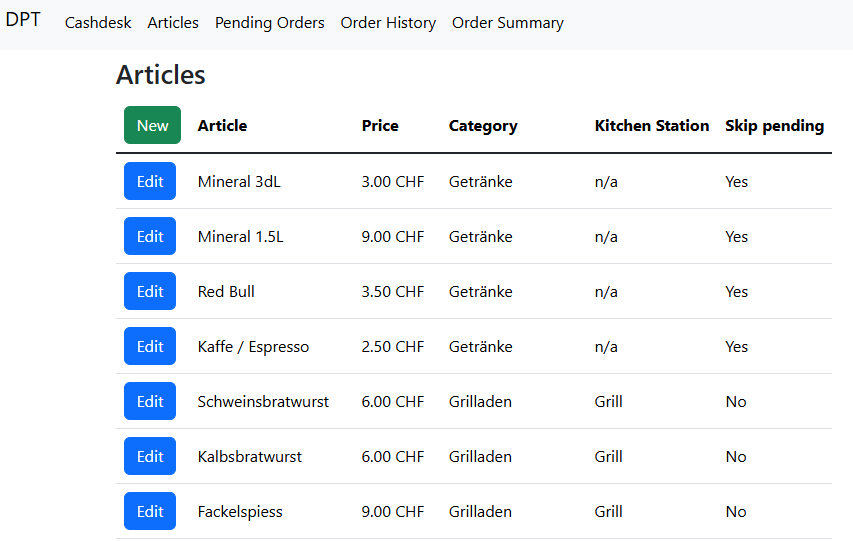
The article view lists all registered articles and allows to create new articles as well as to edit existing articles. To create a new article click the "New" button on the top left. To edit an article click the corresponding "Edit" button.
Article attributes
When creating a new or editing an existing article the following attributes must be defined.
| Attribute | Description |
|---|---|
| Name | A unique name describing the article. |
| Price | A price rounded to 0.05CHF. |
| Kitchen Station | An optional assignment to a predefined kitchen station. This is relevant for the pending orders view. Select "n/a" if the article should not be assigned to any station. |
| Category | The category the article belongs to (predefined categories). This affects the location on the cashdesk view. |
| Skip Pending | This option selects whether the article should skip the pending state. Useful for articles directly handled by the order taker, see skipping pending state |
The predefined (fixed) options for the kitchen station and category can be modified only directly in the database. See the technical documentation for more details.